Client portals and business apps
Secure portals and business apps with login, roles, files, forms, and workflow status.
- Engagement
- Estimated after discovery
- Timeline
- Phased after discovery
The Approach
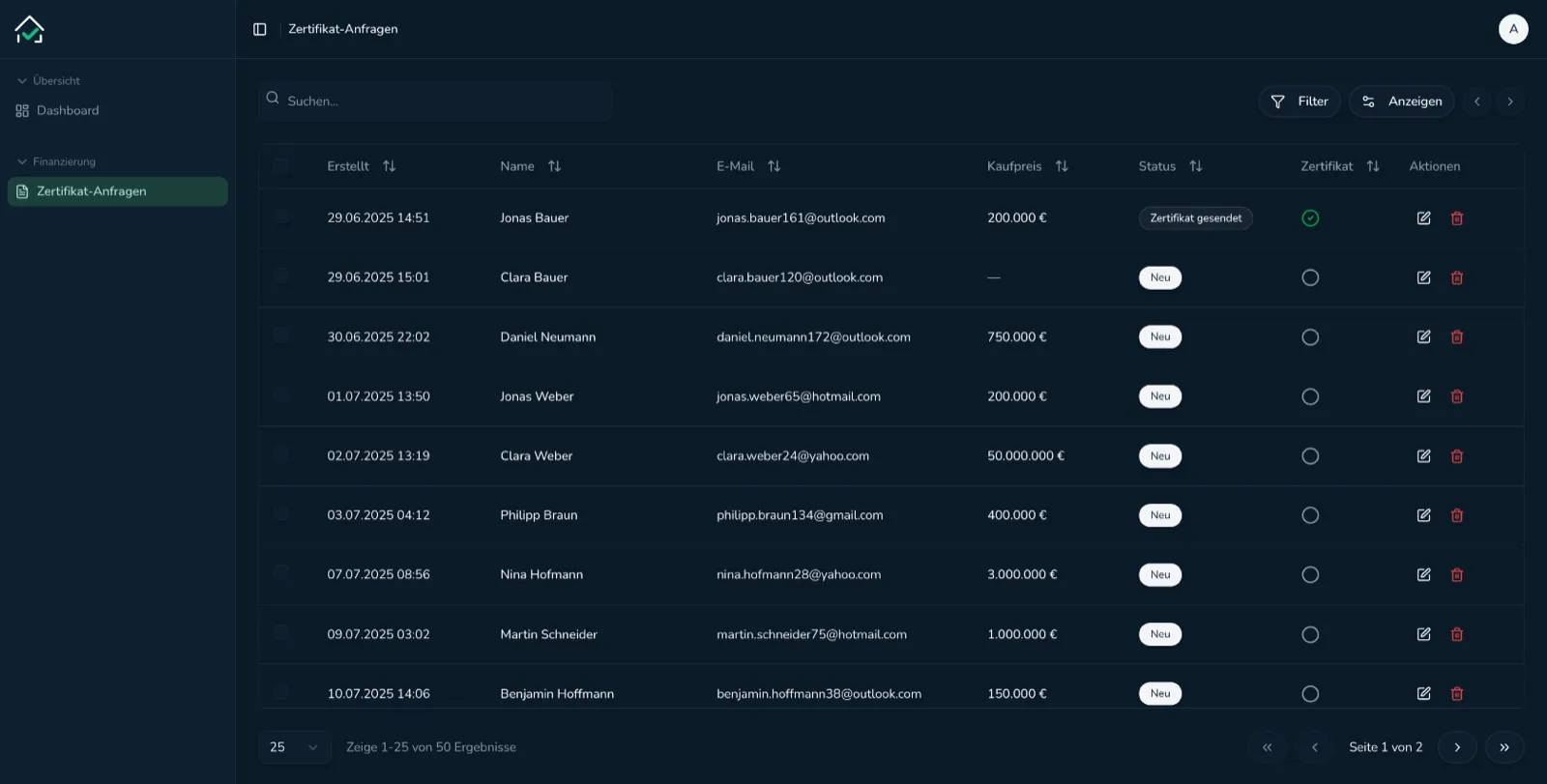
The work starts by defining who uses the portal, what they should see, what they can change, and what the business needs to manage behind the scenes. The portal is then designed as both a user-facing product and an internal operations tool.
The Outcome
Customers, members, or partners get a clear place to complete tasks, submit information, access files, and follow progress while your team keeps control from the backend.
Customer, member, partner, or internal team portals
Status questions answer themselves in the portal instead of arriving by email
Authentication, roles, permissions, and protected routes
A branded login experience that holds files, forms, and history in one place
Forms, file uploads, status tracking, and request workflows
Users see where their request stands without asking anyone
Build focus
- 01
Customer, member, partner, or internal team portals.
- 02
Authentication, roles, permissions, and protected routes.
- 03
Forms, file uploads, status tracking, and request workflows.
- 04
Admin backends for reviewing submissions and managing users.
- 05
Notifications, email flows, and reminders.
- 06
Integrations with CRM, payment, analytics, and existing business systems.
Included
Login and account management.
Role-based portal navigation and protected content.
Profile, onboarding, request, or application forms.
File areas, document uploads, and review states.
Admin dashboard for users, submissions, and workflow status.
Email notifications and integration hooks.
Frequently Asked Questions
Yes. Roles and permissions are a core part of the portal plan, including what each user type can view, submit, edit, approve, or manage.
Yes. File uploads, review states, status timelines, notifications, and admin review screens can all be part of the build.
Yes. Integrations are planned around the systems you already use, such as CRM, payments, databases, email tools, analytics, and internal APIs.
Start your project
Describe the workflow, users, tools, and constraints. webvise turns that into a clear build plan with timeline and budget before implementation starts.
Start a Project